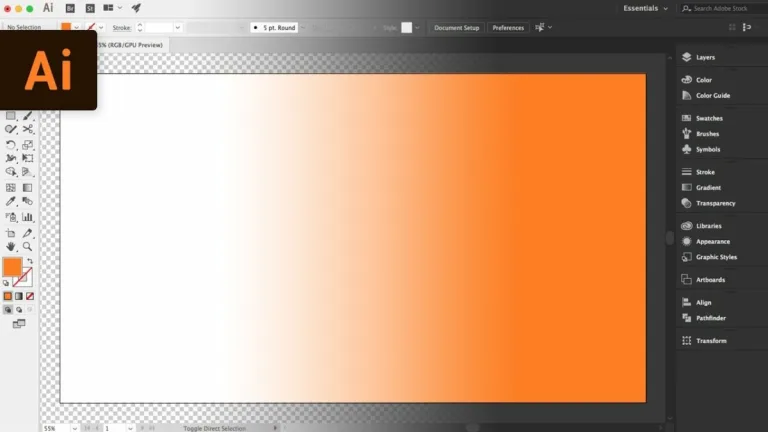

Precision design that scales with your creative vision
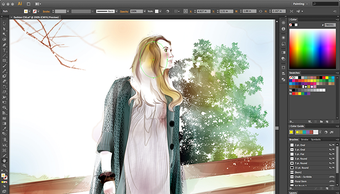
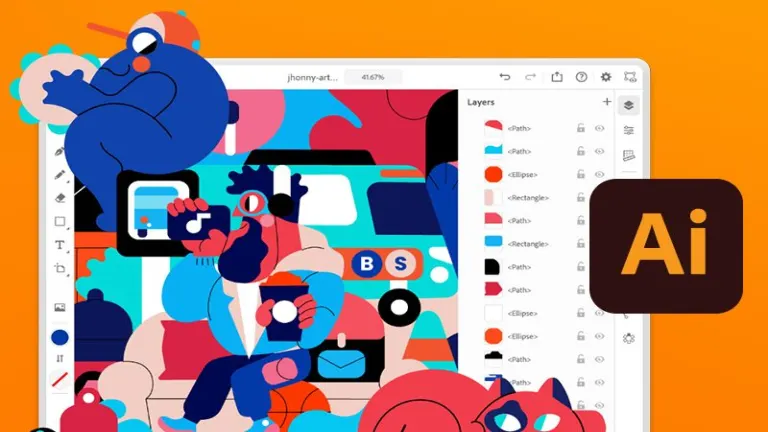
Adobe Illustrator CC is a multimedia application that remains the undisputed heavyweight champion for designers who need their work to look flawless, whether it is printed on a business card or wrapped around a skyscraper. This application also offers an unparalleled toolkit for creating crisp and scalable vector graphics.

Unlock your creativity with Adobe Stock
Get 10 images or 1 video with a free trial
What makes Adobe Illustrator CC stand out is how deeply integrated it is within the Adobe Creative Cloud ecosystem. Projects can move seamlessly between Photoshop, After Effects, and InDesign, creating a connected workflow for creative professionals. Its defining strength lies in precision vector control, enabling artists to craft detailed visuals with accuracy.
Powerful features
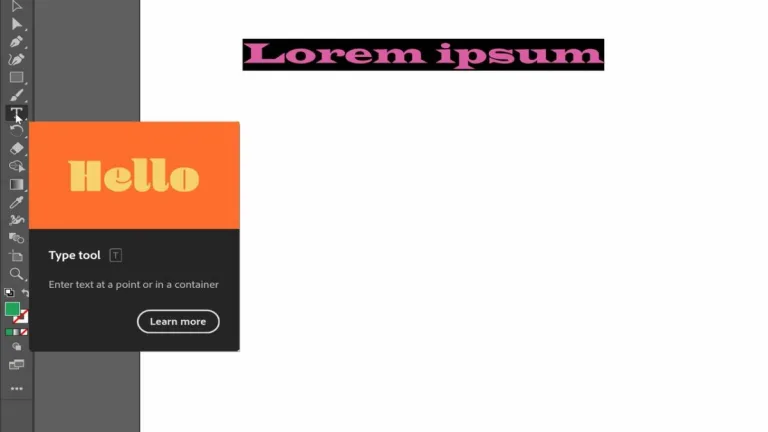
Adobe Illustrator CC leans heavily into efficiency, offering powerful tools like generative credits and 3D effects that simplify complex workflows. Users can effortlessly transform basic outlines into realistic product mockups or intricate patterns. This versatility makes it the go-to choice for creating everything from custom fonts to data-rich infographics. However, the sheer depth of these features can feel overwhelming for complete beginners without prior design experience.
Collaboration is another area where this software shines, integrating seamlessly with Adobe Express and Frame.io for team projects. Having access to over 20,000 fonts and a massive library of assets ensures you are never starting from a blank page. Despite these benefits, the subscription-based model and the requirement of a monthly fee after the trial can be a significant financial hurdle for freelance artists or hobbyists on a budget.
Workflow efficiency and integration
One of Illustrator’s greatest advantages is its workflow integration. Creative Cloud libraries allow assets, colors, and styles to sync across devices and applications. This supports cross app workflow, saving time for professionals working across multiple projects. Automation tools such as actions, alignment features, and smart guides help streamline repetitive tasks. These features improve productivity significantly once mastered. However, subscription-based licensing remains a frequent criticism.
Recent Illustrator CC updates have introduced several meaningful improvements focused on speed and usability. Adobe added enhanced Generative Recolor powered by AI, allowing users to quickly experiment with color variations using text prompts. Performance optimizations improved file opening speed and zoom responsiveness, especially on large documents. The Intertwine feature allows objects to overlap more naturally without destructive edits, while improved image tracing produces cleaner vector conversions. Additional updates refined font browsing, and expanded cloud document reliability.
Industry standard precision for serious creators
Adobe Illustrator CC remains a powerhouse for vector design, combining precision tools, deep Creative Cloud integration, and evolving AI assisted features that streamline complex workflows. It excels for professionals who demand scalability and control, though beginners may face a steep learning curve and ongoing subscription costs. For committed creatives, its capabilities justify the investment despite accessibility challenges for casual users.