3.4
Trial version
PaintTool SAI
Compact graphic design tool

What will happen when you click Download?
Trial version
Compact graphic design tool

Trial version
Where big layouts get their polish

Free
Transform Your Desktop with Gravit Screen Saver

Trial version
Professional digital art software for PCs

Free
A free (gpl) Design & photography program for Windows

Free
Unlocking creative potential through innovative technology
Trial version
Windows
Other platforms (1)Windows 10
English
5.4M

MetaLogic Bulk Video Watermarker Overview

Bg Eraser: Advanced Image Background Remover

Rocrail: Free Graphic & Design Software for Windows
Free game building app

Cartoon Animator Trial Version for Windows

Frame-by-frame stick-figure animator for beginners and hobbyists
Transform Your Images with Pixlr-O-Matic

Create stunning images
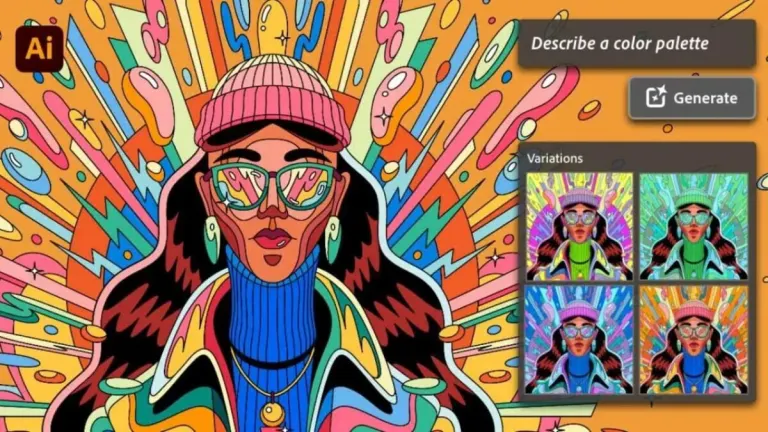
Adobe Illustrator is essentially a vector graphics editing tool by Adobe Systems. It’s typically used for creating company logos, charts, illustrations, diagrams, graphs, cartoons of real images, etc. The tool helps create vector images in both digital and print form.
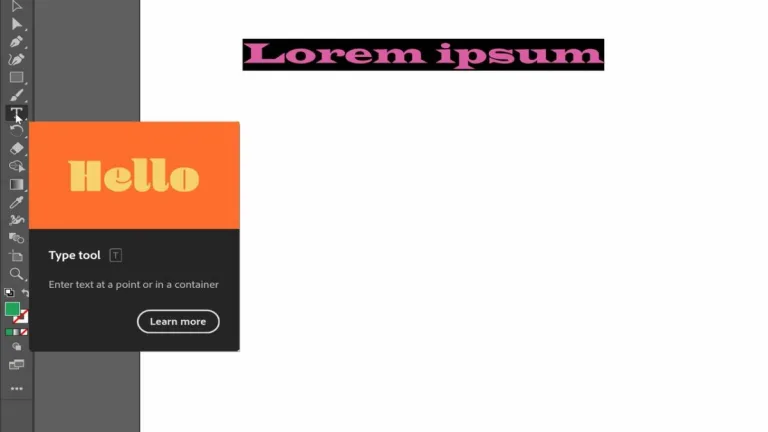
Adobe Illustrator has been developed for designers of various kinds who want to churn out illustrations, digital graphics and typography for different forms of media: web, print, video, mobile and interactive mediums. The tool can be used by both professional designers and amateur artists.
Vector graphics are among the most commonly used graphic design formats, along with bitmap graphics. These graphics are resolution independent, meaning they could be infinitely resized with zero loss of quality. For instance, a logo design could be used on a credit card-sized business card and can also be blown up for placement onto a large billboard.
The tool’s speed depends on its ability to dig into the RAM. With 64-bit support, Adobe Illustrator can take complete advantage of available memory. With more RAM, performance gains would become noticeable, especially when running many applications simultaneously. As far as the 2015 release goes, GPU performance is offered for both Windows and Mac OS.
GPU (graphics processing unit)-accelerated computing provides major boost in application performance as compute-intensive tasks are offloaded to the GPU. The remaining portion of the application is handled by the CPU. GPU acceleration within the vector graphics domain is a relatively new concept, and the majority of graphics rendering is still the CPU’s job.
Adobe Illustrator provides Touch workspace for Windows tablet users. This workspace brings up the essential controls and tools for multi-touch gestures and editing and drawing using a pressure-sensitive pen. Multi-touch capabilities are also brought to Free Transform, Path Segment Reshape and Touch Type tools.
Existing plugins would work with newer versions of AI only if the former are updated. The good news is vendors of popular plug-ins are making the newer versions of their offering available at the earliest. In case, your favourite plugin is yet to be updated, get in touch with the plugin maker.
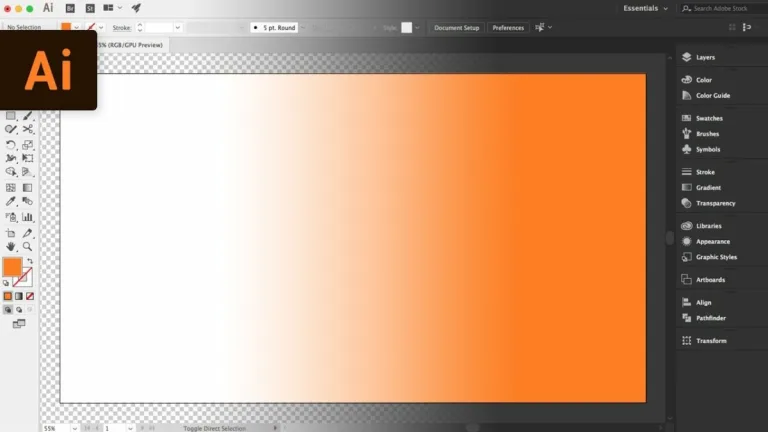
The short answer is ‘yes’. The tool has a darker UI by default, so that it blends well with other Adobe products such as InDesign, Adobe Premier Pro and Photoshop. The brightness levels could be easily changed in the Preferences setting.
There is no free version of Adobe Illustrator available, primarily because a lot of research, time and money has been expended into making the tool. However, people who are on the fence about buying the tool can opt for the free trial first to test waters.
To make the switch, users would have to buy the premium membership by heading to the Creative Cloud site. Post membership purchase, the trial version would get automatically licensed.

A program for creating and editing graphic vectors with simplicity

An indispensable photo editing tool

Comprehensive design suite
Microsoft’s proprietary art and canvas program

A free and powerful 3D modeling software
.png)
Standardized precision without the price tag

Create a range of designs with CorelDRAW Standard 2024

Batch Convert Photos into Professional PDF Documents
Simplifies 3D creativity
Bring your designs to life using Ashampoo® 3D CAD Professional 12

A basic but functional menu builder

Reliable software for DIY home renovations and planning