


Download Adobe Illustrator for Mac: A vector-based graphic design tool
Adobe Illustrator CC is a vector-based graphics design tool for creating digital illustrations and graphic design assets, including icons, typography, logos, and more. These designs can be made to go virtually anywhere, including video games, print, websites, brand logos, and business cards. You can download Adobe Illustrator for Mac to create sketches, illustrations, and typography for business or pleasure. The app also seamlessly integrates with Adobe Creative Cloud, providing easy movement of assets between Photoshop, After Effects, and Premiere Pro.
Top Recommended Alternative
Adobe Illustrator is popular because it creates vector-based graphics. Unlike raster-based graphics, vector-based graphics use lines and curves defined by mathematical equations as their building blocks, not pixels. This means that these graphics can be scaled up infinitely without losing quality. The images are resolution-independent, meaning they can be scaled to any size and remain sharp. Images created using Adobe Illustrator will remain crisp even when elements or colors are changed, they are printed on any medium, or they are resized.
What is Adobe Illustrator for Mac used for?
Adobe Illustrator is the go-to tool for creating vector-based graphics and design assets. It is an incredibly versatile tool, mainly used in graphic design for branding, social media, marketing, and web and print. There is a lot you can achieve with this tool, including:
Brand and logo design: Illustrator is an invaluable tool for designing sharp, high-resolution logos that look perfect on everything without losing quality—from billboards to t-shirts and business cards.
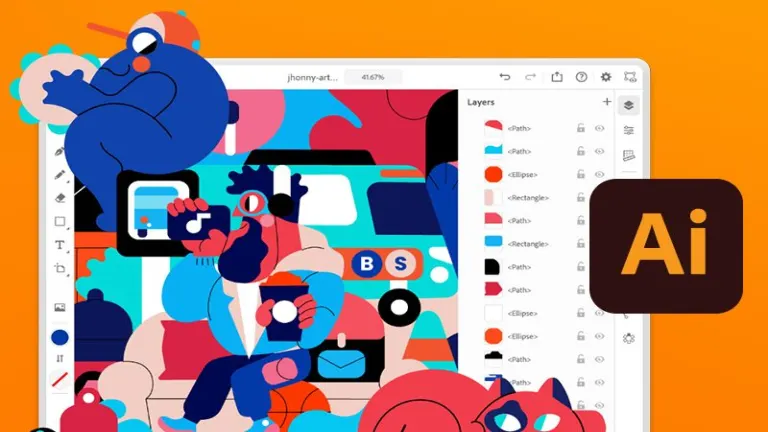
- Illustrations and concept art: Using Adobe Illustrator, you can create digital paintings and vector illustrations and breathe life into concepts, scenes, and characters in your mind.
- Web and UI design: With Illustrator, you can design clean and modern interfaces, wireframes, and layouts, making it easy to turn them into working code.
- Infographics and data visualization: Numbers and statistics don’t have to be boring, and with Illustrator, you can turn previously complex information into captivating and impactful infographics that will be easy to understand.
- Print and packaging design: Illustrator helps you create designs for product packaging, posters, and brochures, ensuring everything is perfectly aligned and ready for printing with the right colors.
- Typography and lettering art: Illustrator enables you to create custom fonts, unique text effects, and hand-lettered designs to distinguish your artwork.
- 3D and isometric illustrations: If you want to add depth to your artwork, Illustrator’s 3D tools enable you to create dynamic isometric designs, which are great for product mock-ups, infographics, and game assets.
Key features of Adobe Illustrator for Mac
Adobe Illustrator is the most widely used graphic editor that designers and artists prefer. It offers many features that allow you to create beautiful illustrations, logos, artwork, and typography. Here are some of Illustrator’s main features:
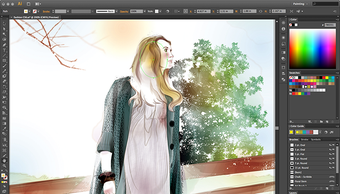
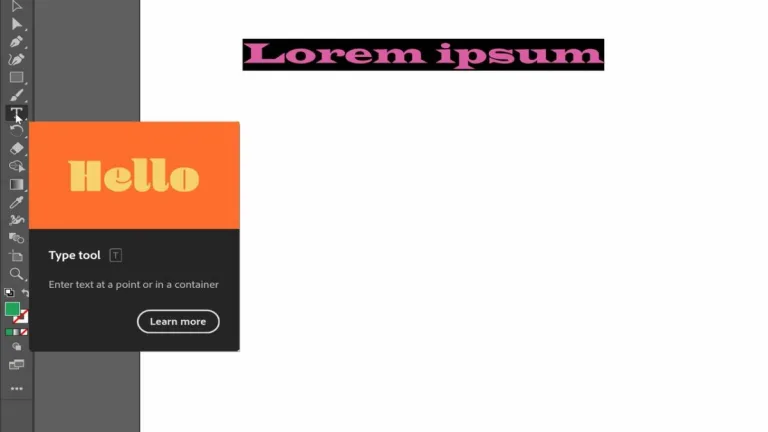
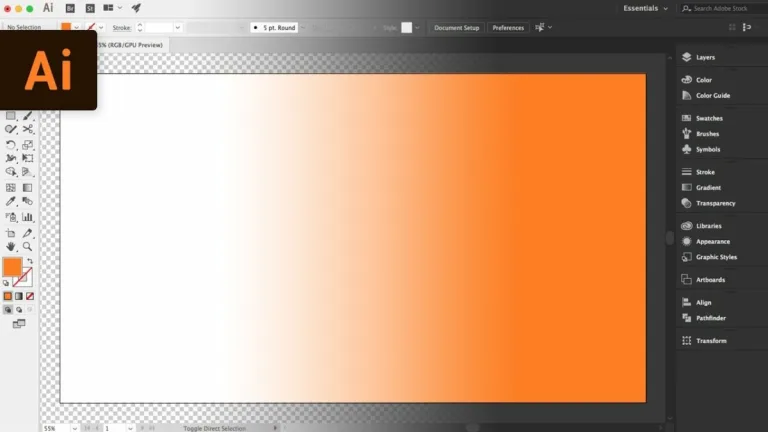
- User-friendly interface: Illustrator has a clean and organized layout. Its straightforward design streamlines workflow, allowing users to focus on the creative process. Moreover, the interface is customizable, and you can customize panels, workspaces, and toolbars to fit your needs. The simple interface makes using the app easy, even for beginners.
- Live Trace and Paint: Live Trace and Live Paint make working with scanned or hand-drawn art in Illustrator easy. Using Live Trace, you can change a low-resolution raster image to a high-resolution editable vector image that can be scaled up and down without losing quality. Live Paint allows you to add color to the artwork and create complex color gradients and patterns.
- Global editing: Global editing allows you to change several objects simultaneously. This feature will enable you to globally select and edit similar objects, providing consistency and saving time.
- Multiple layers: This tool helps create multiple-layered artwork. For example, if you create a design on the first page in Illustrator, you can quickly start a new page for another design. Your most recent work will always be available without needing you to open a separate window, and you can work with multiple layers at once.
- Import/export settings: This feature lets you import or export Illustrator settings, including workspaces, color settings, default profiles, and more. If you are working with two different computers, you can easily export Illustrator settings from one PC to the other.
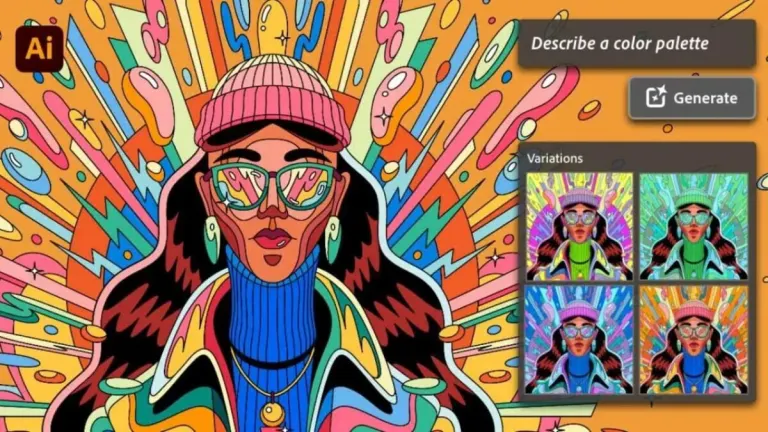
- Art coloring: This is one of the most widely used features of Illustrator, and it allows you to recolor your artwork by changing the item’s color. This feature automatically selects all the colors you’ve used in a design, making changing them easy.
- Workflow: This is another major feature in Illustrator, and it allows you to customize your design to fit your preference, either at the beginning or end. This includes naming sublayers, adjusting your workspace, creating brushes, and making symbols. You can manage every step in the design process and view your work from start to finish.
Adobe Illustrator minimum system requirements
You need at least a multi-core Intel processor with 64-bit support to run Adobe Illustrator, with an Apple silicon processor being the most preferred. The app will run on macOS 10.15 (Catalina) or later versions, and your PC must meet the following minimum system requirements:
- Memory: 8GB RAM
- Storage: 3GB available for installation
- Display: 1024 x 768 with 1920 x 1080 recommended
- GPU: 1024 MB of VRAM with 2 GB recommended; PC must support Metal
Why pirating Adobe software isn’t worth the risk
Using pirated Adobe software, typically downloaded for free through cracks or fake serial numbers, can cause a lot of risks. It can introduce malware, steal your data, and cause your system to crash. These unauthorized versions don’t get updates, which leaves your device open to security risks. Piracy is also illegal and could lead to legal issues. On top of that, pirated software often doesn’t work properly or lacks key features, causing frustration and potential data loss. With licensed Adobe products, however, you get proper support, updates, and cloud features. Learn more about the risks and benefits of licensed software.
Why download Adobe Illustrator for Mac
Adobe Illustrator is a serious graphics design tool that offers powerful features to elevate your creative workflow. Whether creating digital art, logos, websites, or marketing materials, Illustrator gives you flexibility, tools, and precision to bring your ideas to life. Illustrator is available as a stand-alone app or as part of the Adobe Creative Cloud. It is available for a monthly or annual subscription, with the annual subscription offering the best value. Here’s what makes Adobe Illustrator stand out from the rest.