Precision design that scales with your creative vision
Adobe Illustrator CC is a multimedia application that remains the undisputed heavyweight champion for designers who need their work to look flawless, whether it is printed on a business card or wrapped around a skyscraper. This application also offers an unparalleled toolkit for creating crisp and scalable vector graphics.
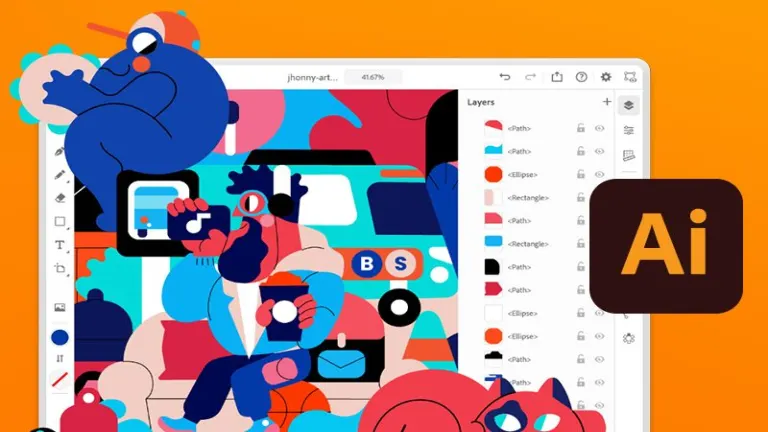
What makes Adobe Illustrator CC stand out is how deeply integrated it is within the Adobe Creative Cloud ecosystem. Projects can move seamlessly between Photoshop, After Effects, and InDesign, creating a connected workflow for creative professionals. Its defining strength lies in precision vector control, enabling artists to craft detailed visuals with accuracy.
Powerful features
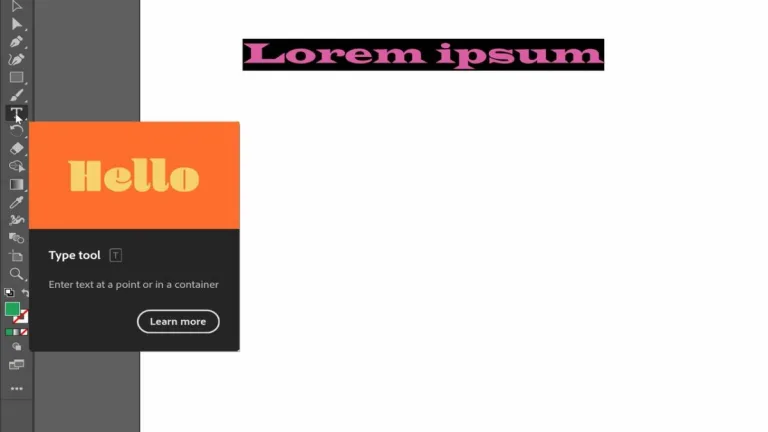
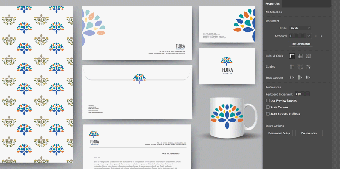
Adobe Illustrator CC leans heavily into efficiency, offering powerful tools like generative credits and 3D effects that simplify complex workflows. Users can effortlessly transform basic outlines into realistic product mockups or intricate patterns. This versatility makes it the go-to choice for creating everything from custom fonts to data-rich infographics. However, the sheer depth of these features can feel overwhelming for complete beginners without prior design experience.
Collaboration is another area where this software shines, integrating seamlessly with Adobe Express and Frame.io for team projects. Having access to over 20,000 fonts and a massive library of assets ensures you are never starting from a blank page. Despite these benefits, the subscription-based model and the requirement of a monthly fee after the trial can be a significant financial hurdle for freelance artists or hobbyists on a budget.
Workflow efficiency and integration
Creative Cloud libraries let you easily sync assets, colors, and styles across different devices and apps. This feature makes it easier for professionals who are juggling multiple projects, helping them save time. Automation tools like actions and smart guides also help make repetitive tasks quicker and simpler, boosting productivity once you get the hang of them. However, many people still criticize the subscription model.
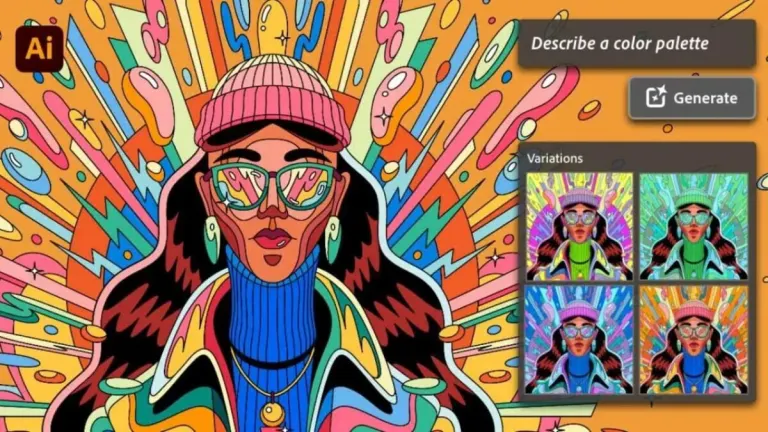
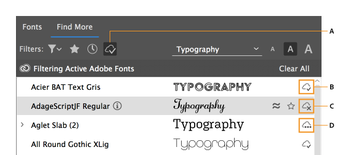
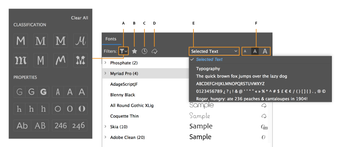
Generative Recolor uses AI, enabling you to experiment with different color options through text prompts. Performance improvements have made opening files faster and improved zoom responsiveness, especially with large documents. The new Intertwine feature allows objects to overlap more naturally without messing up your edits, and better image tracing provides cleaner conversions to vector graphics. Additional improvements have made font browsing easier and enhanced the reliability of cloud documents.
Industry standard precision for serious creators
In conclusion, Adobe Illustrator CC remains the premier choice for designers seeking precision and versatility in their projects. Its deep integration within the Creative Cloud ecosystem, along with powerful AI features and collaboration tools, enhances workflow efficiency significantly. While the subscription model may pose challenges for some users, the extensive toolkit and industry-standard capabilities make it an invaluable resource for serious creators in various design fields.














.png)